

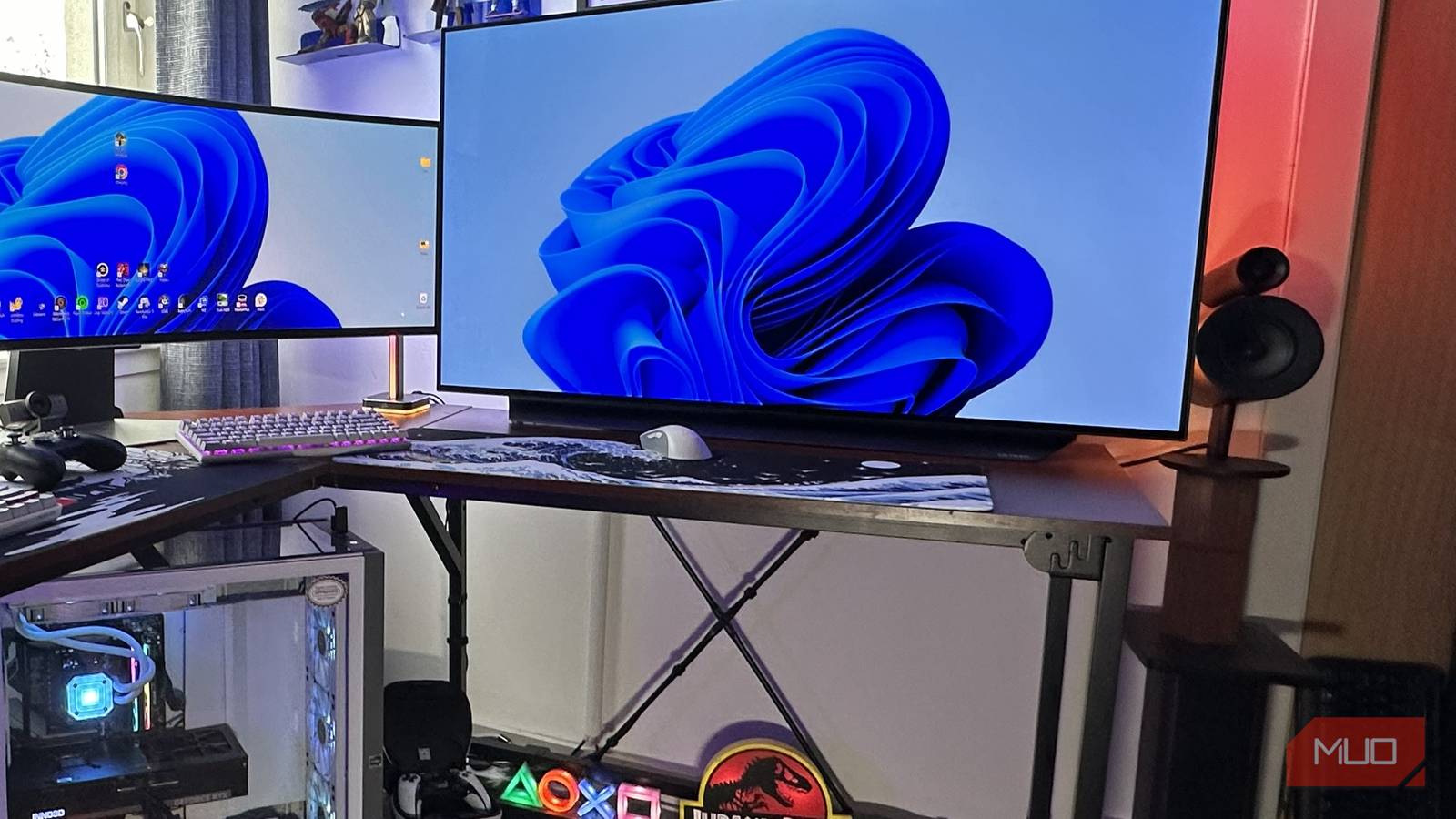
Messy workspaces can be incredibly frustrating, especially if you’ve experienced the chaos of tangled cables and cluttered desks in the past. After years of managing a disorganized office environment, I’ve developed a keen obsession for creating tidy setups. Here’s how I finally tackled my cable clutter and why you should consider doing the same.
Good cable management not only looks better but can significantly improve your productivity. Thankfully, decluttering your workspace doesn’t have to break the bank. With a few inexpensive accessories that you can easily find online or at local stores, you can transform your office or entertainment area into a neat and organized environment. Let’s explore some effective cable management strategies that have worked wonders for me.
Preparing to Declutter Your Setup
Initial Steps to Tidy Your Tech
If you’ve made the decision to clean up your workspace, congratulations! Here are five essential cable management tricks to follow. The first step to recovery is recognizing you need to fix the clutter. In the past, my tech setups were a visual mess, often triggering guilt whenever I sat down to work or game.
Start by unplugging all your devices. It doesn’t matter if you have numerous HDMI, DisplayPort, or power cables—unplug them all. This may feel daunting, but it’s a necessary first step. Next, carefully untangle the wires, ensuring each one is separated before you start organizing them. I remember the struggle of managing the cables for my Samsung Odyssey OLED G9, which required meticulous attention to detail.
Once your cables are untangled, take a moment to wipe down your desk or entertainment center. Dust tends to accumulate in these areas, and a clean surface will help you appreciate your newly organized setup even more.
Tools for Hiding Those Cables
What You Need to Clean Up Your Leads
Over the years, I’ve invested in various cable management tools, and I can confidently say that the total cost of these items is well under $100. This makes it affordable to achieve a clean desk setup. My go-to tools include cable trunking, management boxes to conceal wires, and Velcro cable ties, which are reusable and more practical than traditional ties.
I use cable trunking for both my home office and main TV setups. These inexpensive tools can easily attach to your wall with self-adhesive strips, but be cautious if you’re renting—installing trunking might damage your wallpaper and breach your deposit agreement.
The Benefits of Tidy Tech
Enjoying My Technology More After Decluttering
Since I organized my office and entertainment spaces, I’ve noticed a marked improvement in my enjoyment of both work and gaming. When my setups were cluttered, I often heard a nagging voice in my head reminding me to clean up my tech mess. Now, I can focus better without visible distractions, allowing me to immerse myself in my favorite movies and games without the stress of an untidy workspace.
After cleaning up my dual setups, I find it easier to concentrate. The relief of not having to deal with visible cables hanging behind my ultrawide monitor has truly made a difference in my productivity. It’s one less excuse for distraction while I write or work from home.
Enhancing Your Tech Experience with Decluttering
With a variety of affordable cable-management accessories, you can easily rejuvenate your office or entertainment area. Reflecting on my previous years of complacency while working in cluttered environments makes me appreciate my organized space even more. If you’re feeling overwhelmed by cable chaos, take the plunge and declutter your setup. I promise you’ll feel a weight lift off your shoulders afterward.
Source: MakeUseOf News